
01 / THE PLATFORM
All the gears
behind game on.
The intended PlayCircuit toolkit follows the real work of running a gaming centre—from setting the room up to making the next visit easier.
Product direction only. Inclusion and readiness depend on a qualified service setup.
Venue & inventory
Give every
station a status.
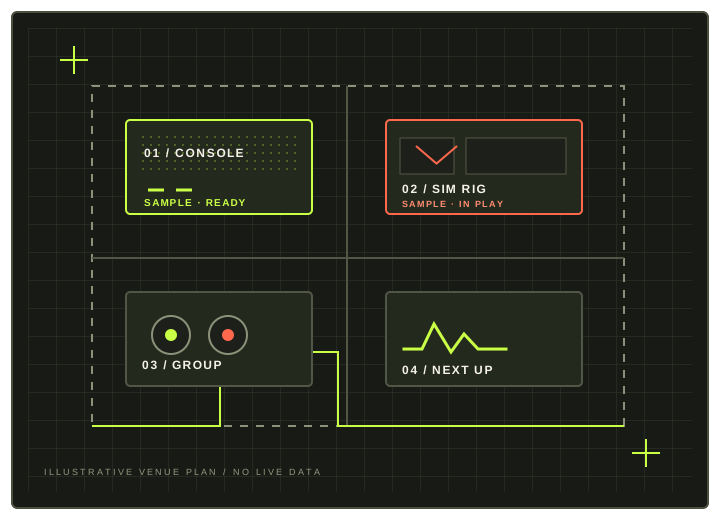
Keep the shape of one location in view: its operating hours, closures, console and simulator inventory, station capabilities and equipment that needs attention.
- Venue hours, holidays and booking horizon
- Station type, player capacity and capabilities
- Ready, unavailable, maintenance and retired states
- Maintenance blocks and operator notes
Availability & booking
Fit the right
play into place.
Explore possible bookings by date, duration, resource kind and player count. Keep customer requests, staff-assisted bookings and walk-ins inside the same operating picture.
- Duration products and station-aware rates
- Buffers, maintenance exclusions and expiry
- Requested, held, confirmed and checked-in states
- Booking changes with collision prevention
FRI 18 OCT
17:30
Session operations
Keep the
clock honest.
When a booking moves onto the floor, help authorized staff check a player in, start or extend a session, reassign a station and complete the visit with a clear record.
- Check-in and session start
- Time remaining and extension path
- Station change and operator override evidence
- Completion, cancellation and no-show states

Customers & passes
Make a return
feel straightforward.
Keep customer access focused on that person’s own bookings and entitlements. Passes follow explicit allowance, expiry, booking and cancellation rules.
- Customer and authorized-contact records
- Upcoming and past bookings
- Active passes, invoices and receipts
- Communication preferences and access boundaries
Your next session
is on the horizon.
Commerce & reporting
Finish with
the facts.
Carry payment status, offline evidence and receipts through the authorized shared commerce workflows. Give operators useful ways to review a day without overstating what the numbers mean.
- Price and policy snapshots on bookings
- Payment status and receipt evidence
- Daily booking, pass and utilization reports
- Downtime and no-show visibility
Payments, refunds, settlement and reporting are subject to their own approved workflows. The public website does not determine availability, calculate authoritative prices or confirm a booking.
Scope before promises
See what’s planned.
And what isn’t.
This page describes product intent. Check the roadmap for core direction, separately entitled capabilities and features that remain deferred or excluded.
Read the scope